

All Ethernet Switches
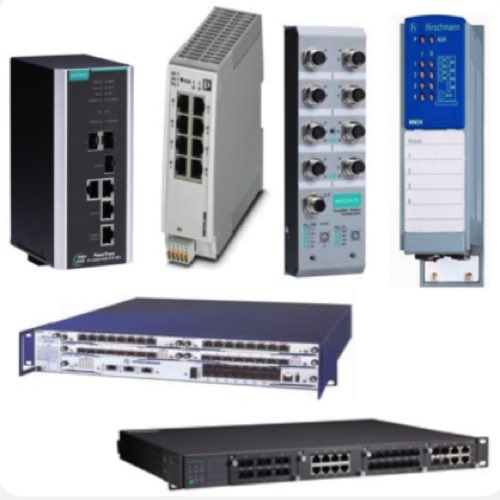
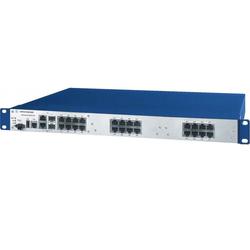
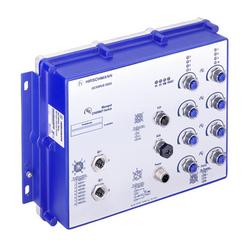
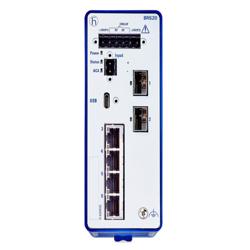
RSP Supply carries a full line of high-performance Ethernet switches for industrial and commercial applications. These network switches deliver reliable, secure, and scalable connectivity for automation, manufacturing, and IT environments. Customers can choose from managed or unmanaged models with PoE, fiber, and gigabit capabilities designed to ensure smooth communication between all connected devices.
Ethernet switches serve as the central hub of any network, connecting controllers, computers, and Wi-Fi access points while directing data packets only to their correct destinations. Unlike simple hubs that broadcast signals everywhere, Ethernet switches identify both the wiring and the data frames, sending packets precisely where they need to go - reducing congestion and improving network efficiency. Managed switches give administrators advanced control over traffic management. They support VLAN setup, traffic monitoring, and Quality of Service (QoS) configuration, ensuring that critical data moves with priority. In contrast, unmanaged switches provide simple, plug-and-play functionality, making them ideal for small networks or quick installations where configuration isn’t necessary.
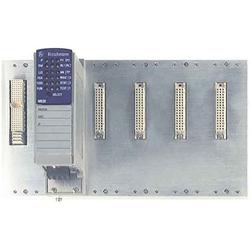
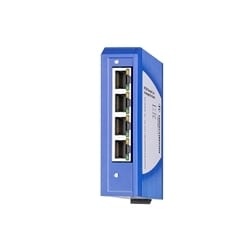
 Hirschmann Ethernet Switches
 Teltonika Ethernet Switches
 Lutze Ethernet Switches
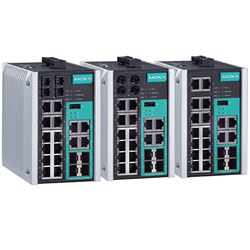
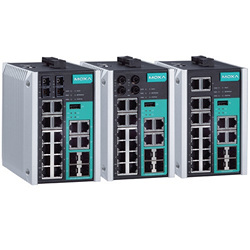
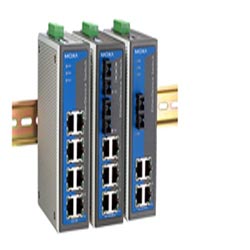
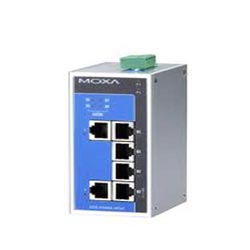
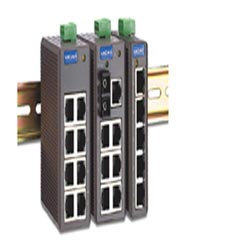
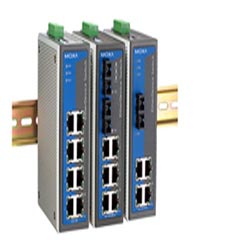
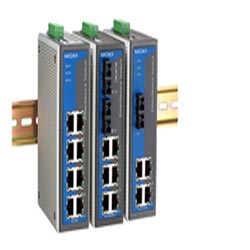
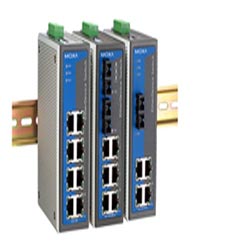
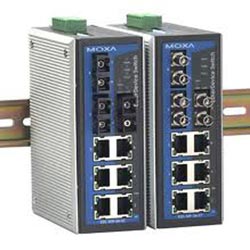
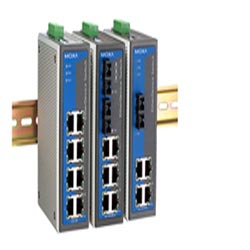
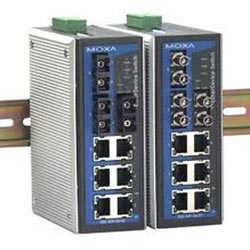
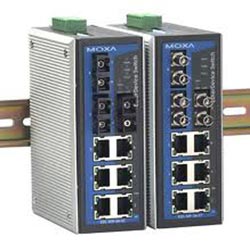
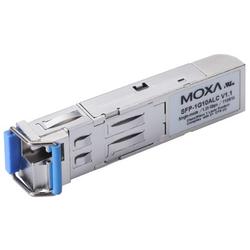
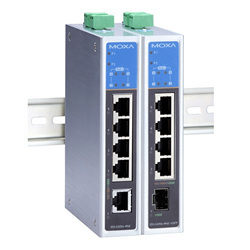
 Moxa Ethernet Switches
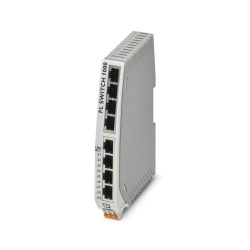
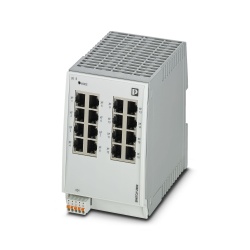
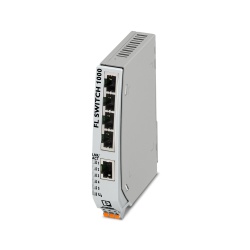
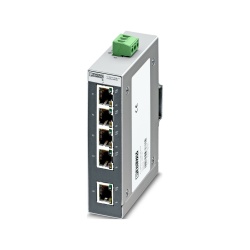
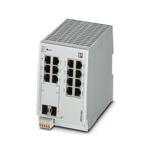
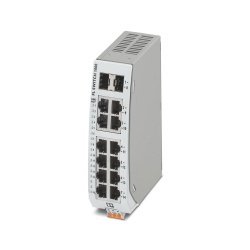
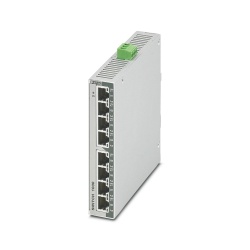
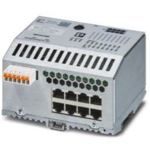 Phoenix Contact Ethernet Switches
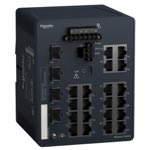 Schneider Electric Ethernet Switches




FAQs
How do Ethernet switches work?
Ethernet switches work by receiving data packets from connected devices and forwarding them only to the specific device or port they’re intended for, ensuring efficient and collision-free network communication.
Is a network switch the same as an Ethernet switch?
Yes, a network switch and an Ethernet switch are essentially the same device, as both transmit data within a local area network (Ethernet LAN) using Ethernet protocols to connect multiple devices efficiently.
Can an Ethernet switch manage devices connected to multiple networks?
A standard Ethernet switch cannot manage devices connected to multiple networks unless it is a managed Layer 3 switch, which can perform routing functions between different network segments.
Can Ethernet switches provide network connectivity to wired and wireless security cameras?
Yes, Ethernet switches—especially PoE switches—can provide network connectivity and power to wired security cameras, while also connecting to wireless access points that serve wireless cameras.
What is a physical transport layer?
The physical transport layer refers to the layer in the OSI model responsible for the actual transmission of raw data bits over physical media such as cables, fiber optics, or radio signals.
Why Buy Industrial Ethernet Switches from RSP Supply
RSP Supply offers one of the most comprehensive selections of industrial and commercial Ethernet switches on the market. With managed, unmanaged, and PoE models from trusted brands, customers can find the right solution for any network size or complexity.