
Network Cable Differences
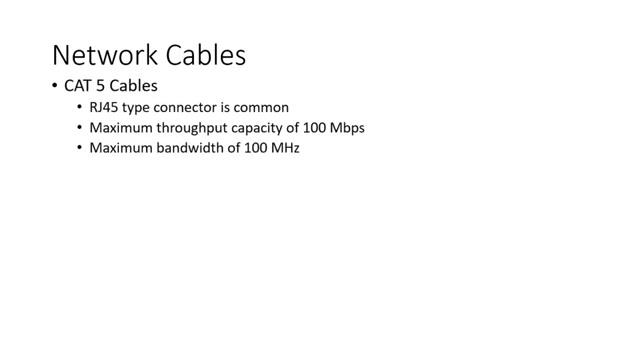
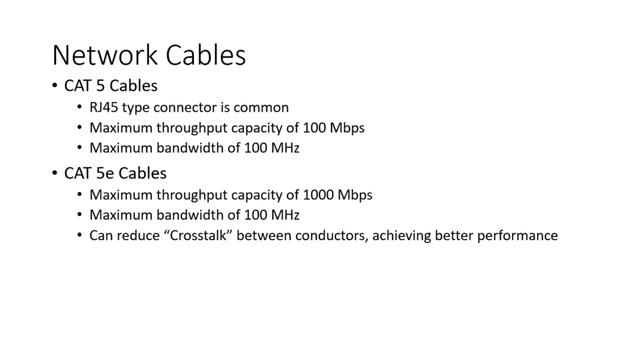
CAT5 Cables
- RJ45 type connector is common
- Maximum throughput capacity of 100 Mbps
- Maximum bandwidth of 100 MHz
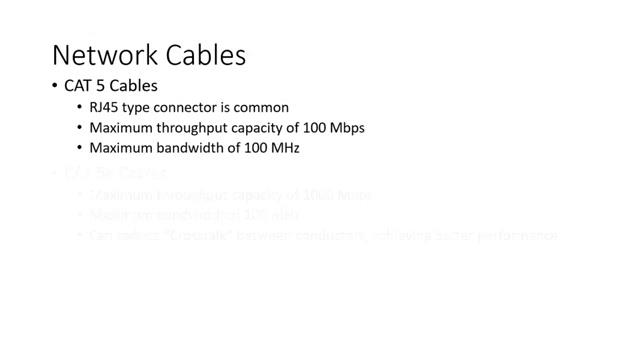
CAT5e Cables
- Maximum throughput capacity of 1000 Mbps
- Maximum bandwidth of 100 MHz
- Can reduce “Crosstalk” between conductors, achieving better performance
CAT6 Cables
- Maximum throughput capacity of 1000 Mbps
- Maximum bandwidth of 250 MHz
- Interior separator, isolating different wire pairs, increasing performance even more
Transcript
[0m:4s] Hi I'm Josh Bloom, welcome to another video in the RSP Supply education series. If you find that these videos are helpful to you, it certainly helps us out if you could give us a big thumbs up and subscribe to our channel.
[0m:15s] In today's video, we want to talk about networking. More specifically, we want to talk about the cables that are used for the various types of networking scenarios that we see today.
[0m:26s] These cables include Category Five cables, Category Five E cables, and lastly Category Six networking cables.
[0m:37s] In this video, we will discuss the capabilities of each cable and talk about the differences between these three cables so that by the time the video is over you might have a better understanding of which cable might be better suited for your specific needs.
[0m:53s] First let's talk about Category Five network cables or CAT5.
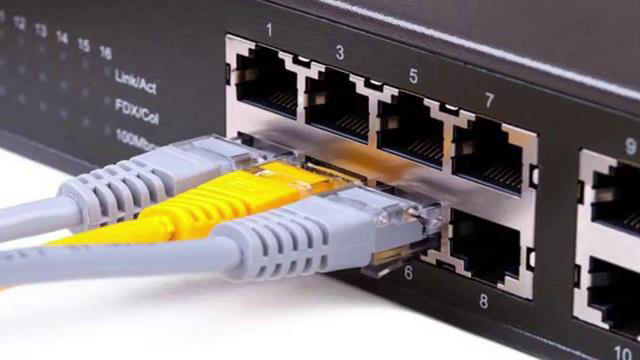
[1m:0s] It is common to see this cable being used in conjunction with an RJ45 type connector which we have here. This is simply the interface connector that will be plugged into the network port on your computer, wall, or network hardware.
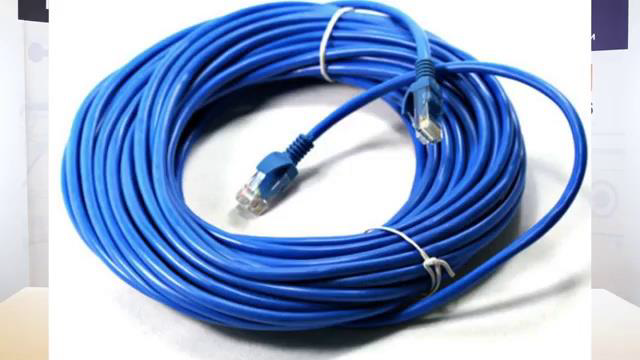
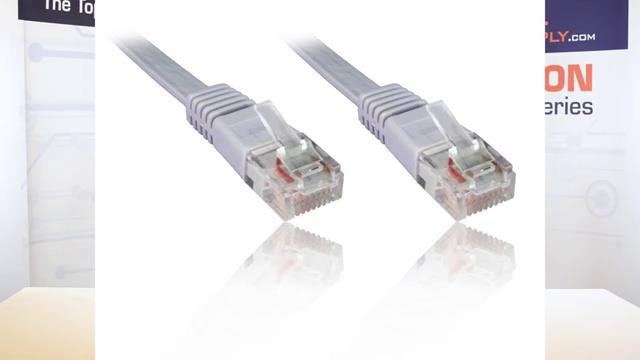
[1m:15s] CAT5 cables have a maximum speed throughput of 100 megabits per second with a bandwidth potential of up to 100 megahertz. It is important to note that CAT5 network cables are largely obsolete. This cable has been replaced with newer cables that have more capability. However, it is still very common to see CAT5 cables being used in many networks.
[1m:46s] Now let's talk about CAT5e networking cabling. Much like the CAT5 cable, CAT5e cables commonly use the same RJ45 connection type. Because of this they can look identical to CAT5 cables. So, make sure you know which cable you are using in your specific network.
[2m:8s] CAT5e network cables main difference from the standard CAT5 cable is the increased speed capacity through the cable. It can handle a throughput of up to 1000 megabits per second, or one Gigabit. CAT5e will also reduce the crosstalk between the different pairs of wires within the cable, therefore offering better performance.
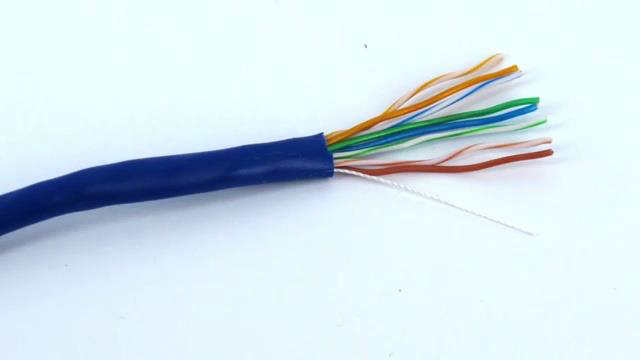
[2m:35s] CAT5e is currently the most commonly sold network cable today and it's most likely what you are seeing being used in most of your existing networks that you may encounter.
[2m:47s] Finally let's move on to category six cables, or CAT6. CAT6 cabling also commonly uses the RJ45 type connector, and therefore looks very similar to the other two cables that we have already talked about.
[3m:5s] So again, pay attention to the types of cables that you are using in your network.
[3m:10s] CAT6 network cables have some improvements over both CAT5e and CAT5 cables. First, they have fast throughput speeds much like the CAT5e cable at up to 1000 megabits per second, or one Gigabit. However CAT6 cables also offer improved bandwidth of up to 250 megahertz.
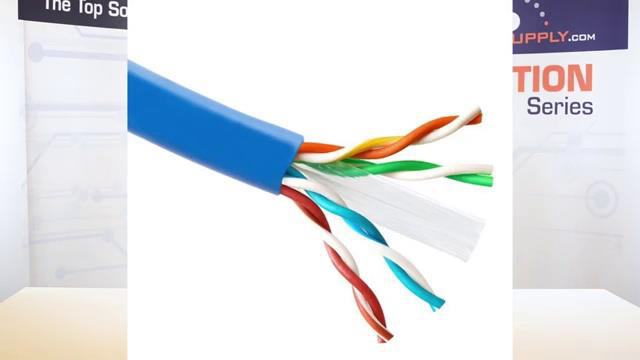
[3m:34s] CAT6 cable also has an interior separator that in the cable isolates the different pairs of wires. This again further reduces crosstalk, or noise, between the different signals on the different cables in that particular wire. CAT6 is more commonly intended for commercial and industrial network applications but is now finding its way into residential applications more and more. Because of the increased functionality, CAT6 cable does come at a higher cost.
[4m:8s] With all the cables that we have talked about, it is important to note that these cables are very similar in look and function, and that can be very easily confused. Also, all of these cables can easily be made instead of purchasing readymade cables by simply purchasing the connector and the connector cover sometimes referred to as boots. The benefit of making your own cables is that it can reduce the cost as well as gives you the ability to create custom length cables that better fit your specific need.
[4m:43s] For a full line of industrial network cabling and thousands of other products, please go to our website. For more information or other educational videos, go to RSPSupply.com, the Internet's top source for industrial hardware. Also, don't forget: like and subscribe.